
Image to PDF Converter
Convert one or more images into a single PDF file instantly.
PDF Convert Tools – Image to PDF Online
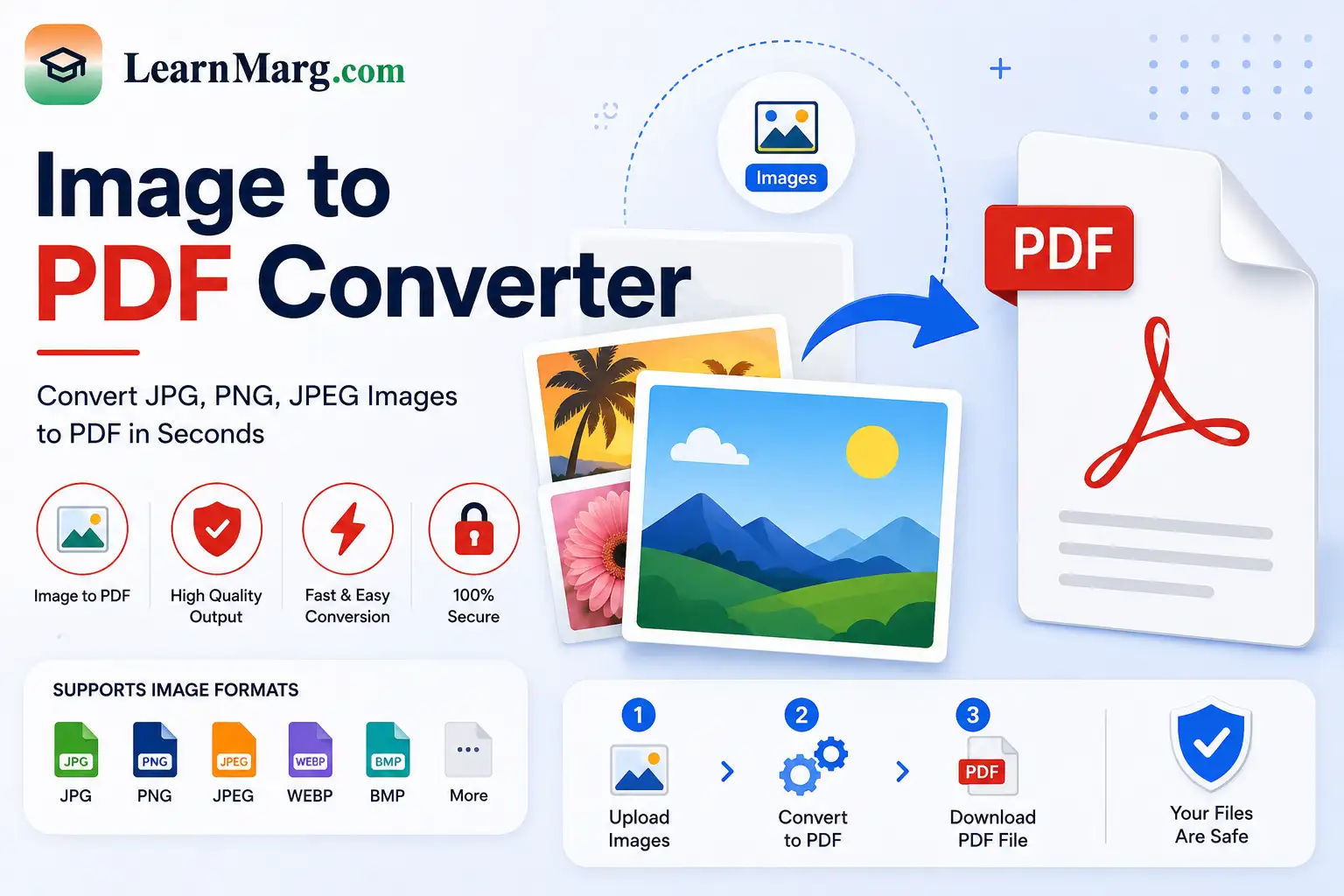
Image to PDF Converter is a simple online tool that lets you convert images into a PDF file quickly. You can use it to turn JPG, JPEG, PNG, and other supported image files into a single PDF document.
This tool is useful for students, job applicants, teachers, office workers, and anyone who needs to submit or share images in PDF format.
What Is Image to PDF Converter?
Image to PDF is a conversion tool that changes one or more image files into a PDF document.
For example, if you have photos of certificates, marksheets, forms, notes, or scanned documents, you can convert them into PDF format instead of sharing each image separately.
You can also combine multiple images into one PDF when the tool supports multiple-file uploads.
How to Convert Image to PDF?
Using the Image to PDF converter tool is easy. Follow these simple steps:
- Open the Image to PDF tool.
- Select or upload your image files.
- Arrange the images in the required order.
- Start the conversion.
- Wait for the PDF to be created.
- Download the final PDF file.
Before downloading, check that all images are included and appear in the correct order.
Which Image Formats Can Be Converted to PDF?
The supported formats depend on the tool, but common image formats include:
- JPG
- JPEG
- PNG
- WEBP
- GIF
If you are converting an image for an official application, check the required file format and size before uploading it.
Why Convert Images to PDF?
There are several reasons to convert images into PDF documents.
Easy Document Sharing
Instead of sending several separate images, you can share one PDF file.
Useful for Online Applications
Many job, education, and government application forms ask users to upload documents in PDF format. You can convert scanned images into a PDF before uploading them.
Combine Multiple Images
If you have several related images, you can put them together into one document.
Better File Organization
Keeping related documents in one PDF can make them easier to store, find, and manage.
Image to PDF Converter for Students
Students often have photographs or scanned copies of certificates, marksheets, assignments, and notes.
An Image to PDF Converter tool can help turn these images into a single PDF file for submission, printing, or sharing.
For example, you can combine multiple pages of a handwritten assignment into one PDF document.
Image to PDF for Job Applications
Job applicants may need to submit documents such as:
- Educational certificates
- Mark sheets
- Experience certificates
- Identity documents
- Application forms
- Other scanned documents
If the application requires PDF format, you can convert the relevant images into a PDF.
Always check the official application instructions for maximum file size, page limits, and required document format.
How Many Images Can Be Converted?
The number of images you can convert depends on the tool’s upload and file-size limits.
If you have many images, make sure the files meet the supported size and format requirements before starting the conversion.
Does Image to PDF Reduce Image Quality?
The final PDF quality depends on the original image and the conversion settings used by the tool.
For documents such as certificates and forms, use clear and readable images. Very low-quality images may remain difficult to read after conversion.
Tips for Creating a Good PDF
Before converting images, follow these tips:
- Use clear and readable images.
- Make sure all important text is visible.
- Crop unnecessary areas when required.
- Keep images in the correct order.
- Check the final PDF before submitting it.
- Make sure the final file meets the required size limit.
Benefits of Using Image to PDF
- Converts images into PDF quickly
- Useful for online applications
- Can combine multiple images
- Makes document sharing easier
- Helpful for students and professionals
- Works with common image formats
- Saves time compared with manual document creation
Frequently Asked Questions
What is an Image to PDF tool?
An Image to PDF converter tool converts image files such as JPG and PNG into a PDF document.
Can I convert JPG to PDF?
Yes. JPG and JPEG images can generally be converted into PDF format.
Can I convert PNG to PDF?
Yes. PNG images can be converted into a PDF when the format is supported by the tool.
Can I convert multiple images into one PDF?
Yes. If multiple-file uploads are supported, you can select several images and combine them into one PDF.
Can I use Image to PDF Converter on mobile?
Yes. A browser-based image conversion tool can be used on smartphones and tablets.
Is Image to PDF useful for job applications?
Yes. It can help convert scanned certificates, marksheets, and other documents into PDF format when required by an application.
Is the Image to PDF tool free?
Many online image-to-PDF tools provide free conversion. Features and file-size limits may vary.
Will my original images be deleted?
File handling depends on the specific tool. If you are converting personal or confidential documents, use a trusted service and review its privacy policy.
Other Useful Online Tools
Along with Image to PDF converter, our website provides several other useful tools for documents, calculations, and conversions.
PDF Merger
The PDF Merger combines multiple PDF files into one document. It is useful when you have separate PDF files that need to be organized into a single file.
Image Compressor
The Image Compressor reduces image file size, which can help when an image is too large for a website, application, or online form.
Age Calculator
The Age Calculator helps you find your exact age in years, months, and days using your date of birth.
Percentage Converter
The Percentage Converter helps calculate percentages from marks, scores, and other values.
Calculator
The Calculator helps perform common mathematical operations such as addition, subtraction, multiplication, and division.
Unit Converter
The Unit Converter helps convert measurements such as length, weight, temperature, area, and volume.
Time & Date Calculator
The Time & Date Calculator helps calculate the difference between dates and times and perform other date-related calculations.
Currency Converter
The Currency Converter helps convert amounts between different currencies.
Typing Speed Test
The Typing Speed Test checks your typing speed in words per minute and measures typing accuracy.
Discount Calculator
The Discount Calculator helps calculate discounts and find the final price after applying a discount.
Average Calculator
The Average Calculator helps calculate the average of multiple numbers quickly.
Conclusion
Image to PDF converter makes it easy to convert images into a PDF document without complicated software. It is useful for students, job applicants, office workers, and anyone who needs to submit or share images in PDF format.
Upload your images, arrange them in the required order, create the PDF, and download your document.