
Image Compressor
Reduce image file size instantly without losing visible quality.
Image Compressor – Reduce Image Size Online
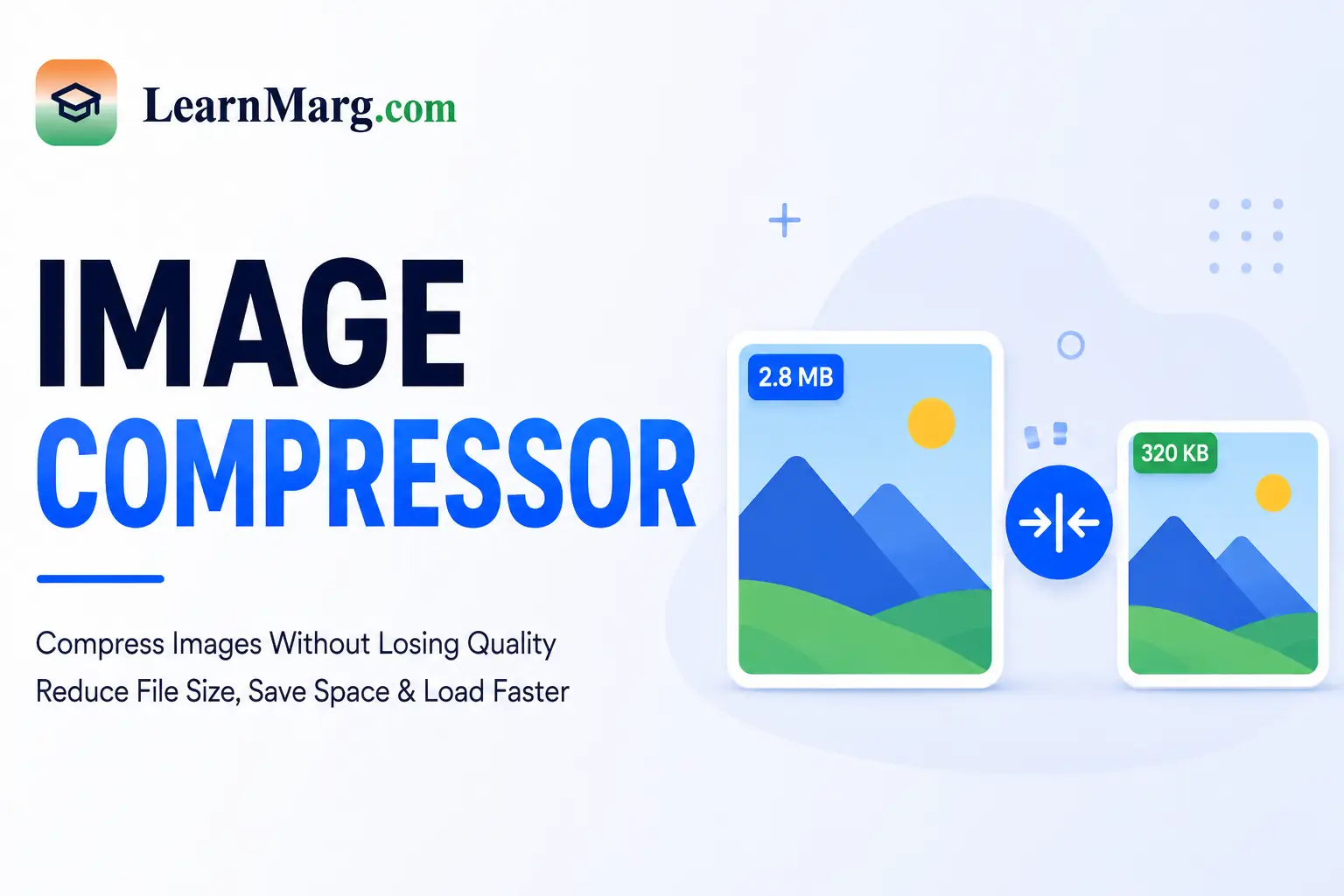
An Image Compressor is a simple online tool that helps reduce the file size of images without making them unnecessarily difficult to use. Smaller images can be easier to upload, share, store, and use on websites.
It is useful for students, website owners, bloggers, designers, job applicants, and anyone who needs to reduce an image file size.
What Is an Image Compressor?
An Image Compressor reduces the file size of an image while trying to maintain good visual quality.
For example, if you have a 2 MB image that is too large to upload to a website or online form, you can compress it to make the file smaller.
Image compression can be especially useful when a website has upload size limits.
How to Compress an Image?
Using the Image Compressor is easy.
- Open the image compression tool.
- Upload or select your image.
- Choose the available compression option or quality level.
- Start the compression process.
- Wait for the image to be processed.
- Download the compressed image.
After compression, open the image and check that the quality is suitable for your purpose.
Why Compress Images?
Large image files can take more storage space and may take longer to upload or share. Compressing them can make them easier to handle.
Reduce File Size
The main purpose of an image compressor is to reduce the size of an image file.
Faster Uploads
Smaller files can generally be uploaded more quickly when the internet connection and server support the same conditions.
Save Storage Space
Compressed images can require less storage space on your device or server.
Useful for Websites
Website owners can use smaller images to help manage media files and improve page-loading performance, depending on how the images are used and served.
Image Compressor for Websites
Large images can increase the amount of data a webpage needs to load. Compressing images before uploading them to a website can help reduce unnecessary file size.
For websites, it is also important to use suitable image dimensions and modern image formats when supported.
For example, you may compress a large featured image before adding it to a WordPress post.
Image Compressor for Online Forms
Many websites and application forms have limits on image file size.
If an image is larger than the allowed limit, you can use an Image Compressor to reduce its size and then upload the smaller file.
Always check the exact file-size and format requirements of the form before uploading.
Which Image Formats Can Be Compressed?
The supported formats depend on the tool. Common image formats include:
- JPG
- JPEG
- PNG
- WEBP
- GIF
Some formats may have different compression methods and may produce different results.
Does Image Compression Reduce Quality?
Compression can reduce image quality, especially when a high level of compression is used.
The amount of quality loss depends on the original image, file format, dimensions, and compression settings.
For important documents or professional images, compare the original and compressed versions before using the final file.
Image Compressor vs Image Resizer
These two tools perform different tasks.
Image Compressor: Reduces the file size of an image.
Image Resizer: Changes the physical dimensions of an image, such as reducing it from 2000 × 1500 pixels to 1000 × 750 pixels.
Sometimes, using both methods can significantly reduce the final file size.
Tips for Better Image Compression
Follow these simple tips when compressing images:
- Start with a good-quality original image.
- Choose a suitable compression level.
- Avoid excessive compression for important images.
- Resize very large images when necessary.
- Check the final image before uploading it.
- Keep the original file if you may need it later.
Benefits of Using an Online Image Compressor
- Reduces image file size
- Helps save storage space
- Makes files easier to share
- Useful for online forms
- Helpful for websites
- Simple to use
- Saves time
- Works with common image formats
Frequently Asked Questions
What is an Image Compressor?
An Image Compressor is an online tool that reduces the file size of an image while trying to maintain suitable visual quality.
How do I compress an image?
Upload your image to the tool, select the available compression settings, start the process, and download the compressed file.
Does compressing an image reduce its quality?
It can. The amount of quality loss depends on the compression level and image format. Moderate compression can often reduce file size while keeping the image visually useful.
Can I compress JPG images?
Yes. JPG and JPEG files are commonly supported by image compression tools.
Can I compress PNG images?
Yes. PNG images can be compressed when the tool supports the format.
Can I compress images for a website?
Yes. Compressing large images before uploading them can help reduce file size and may help with website performance.
Can I use an Image Compressor on mobile?
Yes. A browser-based tool can generally be used on smartphones and tablets.
Is an Image Compressor free to use?
Many online image compression tools offer free compression. File-size limits and available features may vary.
Other Useful Online Tools
Along with the Image Compressor, our website provides several other useful tools for calculations, conversions, and document management.
Image to PDF
The Image to PDF tool converts JPG, PNG, and other supported images into PDF files. It is useful for certificates, scanned documents, forms, and other images.
PDF Merger
The PDF Merger combines multiple PDF files into one document, making files easier to organize and share.
Age Calculator
The Age Calculator helps calculate your exact age in years, months, and days using your date of birth.
Percentage Converter
The Percentage Converter helps calculate percentages from marks, scores, and other values.
Calculator
The Calculator helps perform basic mathematical operations such as addition, subtraction, multiplication, and division.
Unit Converter
The Unit Converter helps convert measurements such as length, weight, temperature, area, and volume between different units.
Time & Date Calculator
The Time & Date Calculator helps calculate the difference between dates and times and perform other date-related calculations.
Currency Converter
The Currency Converter helps convert amounts between different currencies.
Typing Speed Test
The Typing Speed Test measures typing speed in words per minute and checks typing accuracy.
Discount Calculator
The Discount Calculator helps calculate discounts and find the final price after applying a discount.
Average Calculator
The Average Calculator helps find the average of multiple numbers quickly.
Conclusion
An Image Compressor is a convenient way to reduce image file size for websites, online forms, sharing, and storage. It can help make large images easier to manage while keeping the quality suitable for your needs.
Upload your image, choose the available compression settings, and create a smaller image file in just a few steps.