
PDF Merger
Combine multiple PDF files into one single document instantly.
PDF Merger – Merge Multiple PDF Files Online
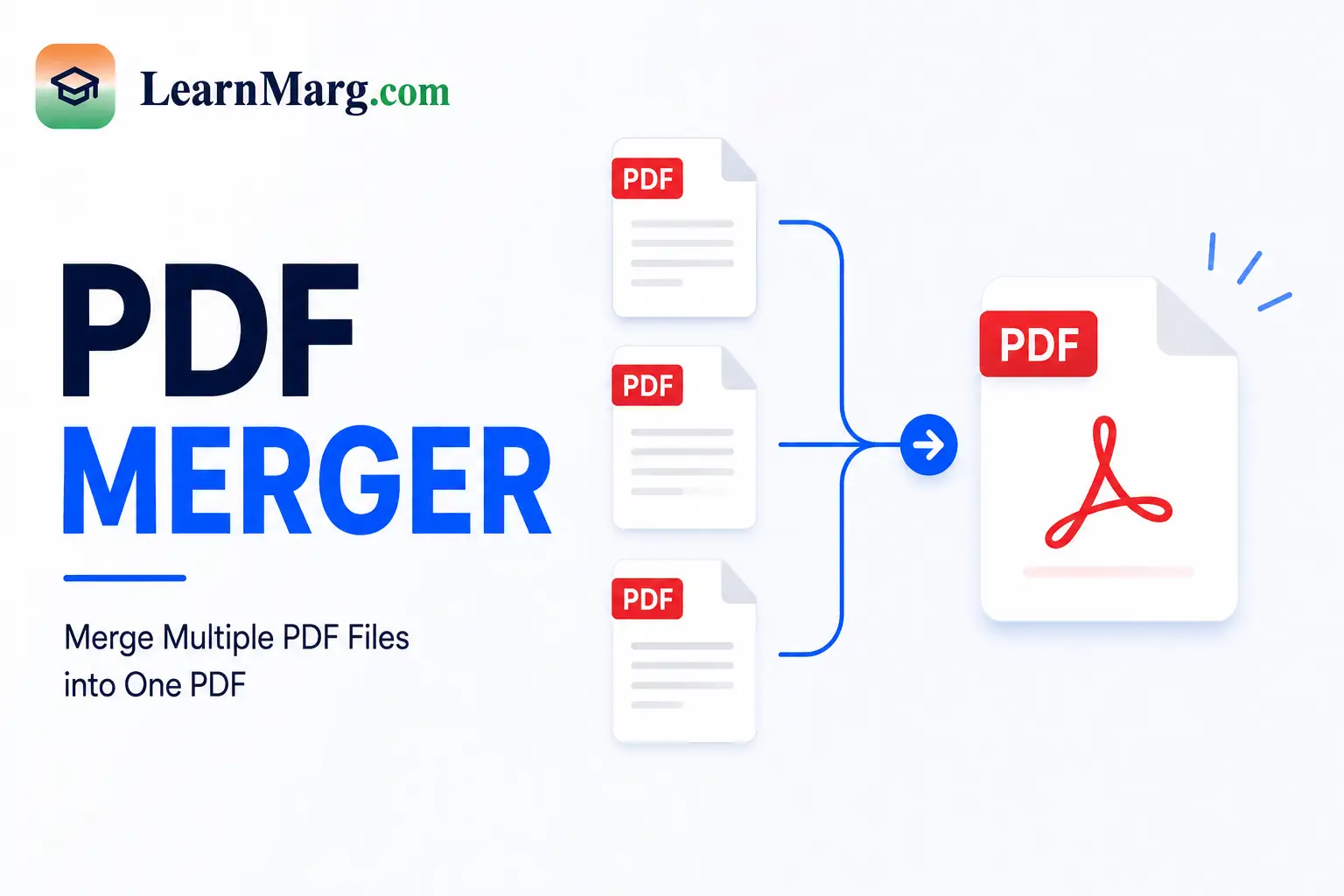
A PDF Merger is a simple online tool that lets you combine multiple PDF files into one document. Instead of keeping several separate files, you can merge them into a single PDF that is easier to save, share, and manage.
This tool is useful for students, office workers, teachers, businesses, and anyone who regularly works with PDF documents.
What Is a PDF Merger?
A PDF Merger combines two or more PDF files into one PDF document. You can select multiple files, arrange them in the required order, and merge them into a single file.
For example, if you have separate PDF files for a cover page, notes, assignments, and certificates, you can combine them into one document.
How to Merge PDF Files?
Using our PDF Merger is simple and requires only a few steps.
- Open the PDF merger tool.
- Select the PDF files you want to combine.
- Arrange the files in the required order.
- Click the Merge PDF button.
- Wait for the files to be processed.
- Download the combined PDF file.
You do not need to merge the documents manually or create a new document from scratch.
Why Use a PDF Merger?
There are many situations where combining PDF files can save time.
Combine Multiple Documents
If your information is spread across several PDF files, you can combine them into one organized document.
Easier File Management
Instead of keeping many small PDF files, you can store one complete document. This makes files easier to find and share.
Useful for Applications
Students and job applicants may need to submit multiple documents together. You can combine certificates, marksheets, resumes, or other documents into one PDF when the application requires a single file.
Save Time
Manually copying pages from different documents can be difficult. A PDF merging tool makes the process much faster.
How Does a PDF Merger Work?
The tool takes the PDF files you select and combines their pages in the order you choose.
For example:
PDF 1 → PDF 2 → PDF 3 → PDF 4
After merging, all pages become part of one PDF document.
Before downloading the final file, it is a good idea to check the page order and make sure all required documents are included.
Can I Merge Multiple PDF Files?
Yes. You can combine multiple PDF documents into one file. The exact number of files allowed may depend on the tool’s file-size and upload limits.
For larger documents, make sure your files are within the supported limits before starting the process.
Is a PDF Merger Useful for Students?
Yes. Students often have notes, assignments, project documents, and study materials saved as separate PDF files.
A PDF merging tool can help combine these files into one organized document for studying, printing, or sharing.
PDF Merger for Job Applications
A PDF Merger can also be useful when preparing documents for job applications.
For example, you may have:
- Resume
- Educational certificates
- Mark sheets
- Experience documents
- Identity documents
If an application asks for these documents in one PDF, you can combine the required files into a single document.
Always follow the file format, size, and document requirements given by the employer or application portal.
Benefits of Merging PDF Files
Some common benefits include:
- Combines multiple PDFs into one file
- Makes document management easier
- Helps keep pages organized
- Reduces the number of files you need to share
- Useful for students and professionals
- Saves time compared with manual document editing
Tips Before Merging PDFs
Before using the PDF Merger, check your files carefully.
Make sure the documents are in the correct order and that you have selected every file you need. If the final PDF is being submitted somewhere, also check its maximum file-size requirement.
For confidential documents, use a trusted tool and avoid uploading sensitive information to unknown websites.
Frequently Asked Questions
What is a PDF Merger?
A PDF Merger is an online tool that combines multiple PDF files into one PDF document.
How do I merge two PDF files?
Upload both PDF files to the tool, arrange them in the required order, and click the merge button. The two documents will be combined into one PDF.
Can I merge more than two PDFs?
Yes. You can combine multiple PDF files, subject to the tool’s supported file and size limits.
Does merging PDFs change the original files?
Normally, merging creates a new combined document and does not change your original PDF files.
Can I arrange PDF files before merging?
Yes. If the tool supports file ordering, you can arrange the documents before creating the final PDF.
Is a PDF Merger useful for job applications?
Yes. It can help combine documents such as resumes, certificates, and marksheets when an application requires a single PDF file.
Can students use a PDF merging tool?
Yes. Students can combine notes, assignments, projects, and other study documents into one file.
Is merging PDF files difficult?
No. Most online tools require only a few steps: select the files, arrange them, merge them, and download the final document.
Other Useful Online Tools
Along with the PDF Merger, you can use several other tools for calculations, conversions, and document management.
PDF Convert Tools
PDF Convert Tools help you work with PDF documents and convert files into different formats when needed.
Image Compressor
The Image Compressor reduces the size of image files. It can be useful when you need smaller images for websites, email, or online forms.
Age Calculator
The Age Calculator helps you find your exact age in years, months, and days using your date of birth.
Percentage Converter
The Percentage Converter helps with percentage calculations and can be useful for marks, scores, and everyday maths.
Calculator
The Calculator is useful for quick everyday mathematical calculations such as addition, subtraction, multiplication, and division.
Unit Converter
The Unit Converter helps convert measurements such as length, weight, and temperature between different units.
Time & Date Calculator
The Time & Date Calculator helps you find the difference between two dates and perform other date-related calculations.
Currency Converter
The Currency Converter helps convert values between different currencies for quick calculations.
Typing Speed Test
The Typing Speed Test measures your typing speed in words per minute and checks your typing accuracy.
Discount Calculator
The Discount Calculator helps calculate the final price after applying a discount.
Average Calculator
The Average Calculator helps find the average value of a list of numbers quickly.
Conclusion
A PDF Merger is a convenient way to combine multiple PDF documents into one organized file. It can save time and make documents easier to manage, share, print, and submit.
Whether you are a student, job applicant, teacher, or professional, merging related PDF files into one document can make your digital files much easier to handle.